
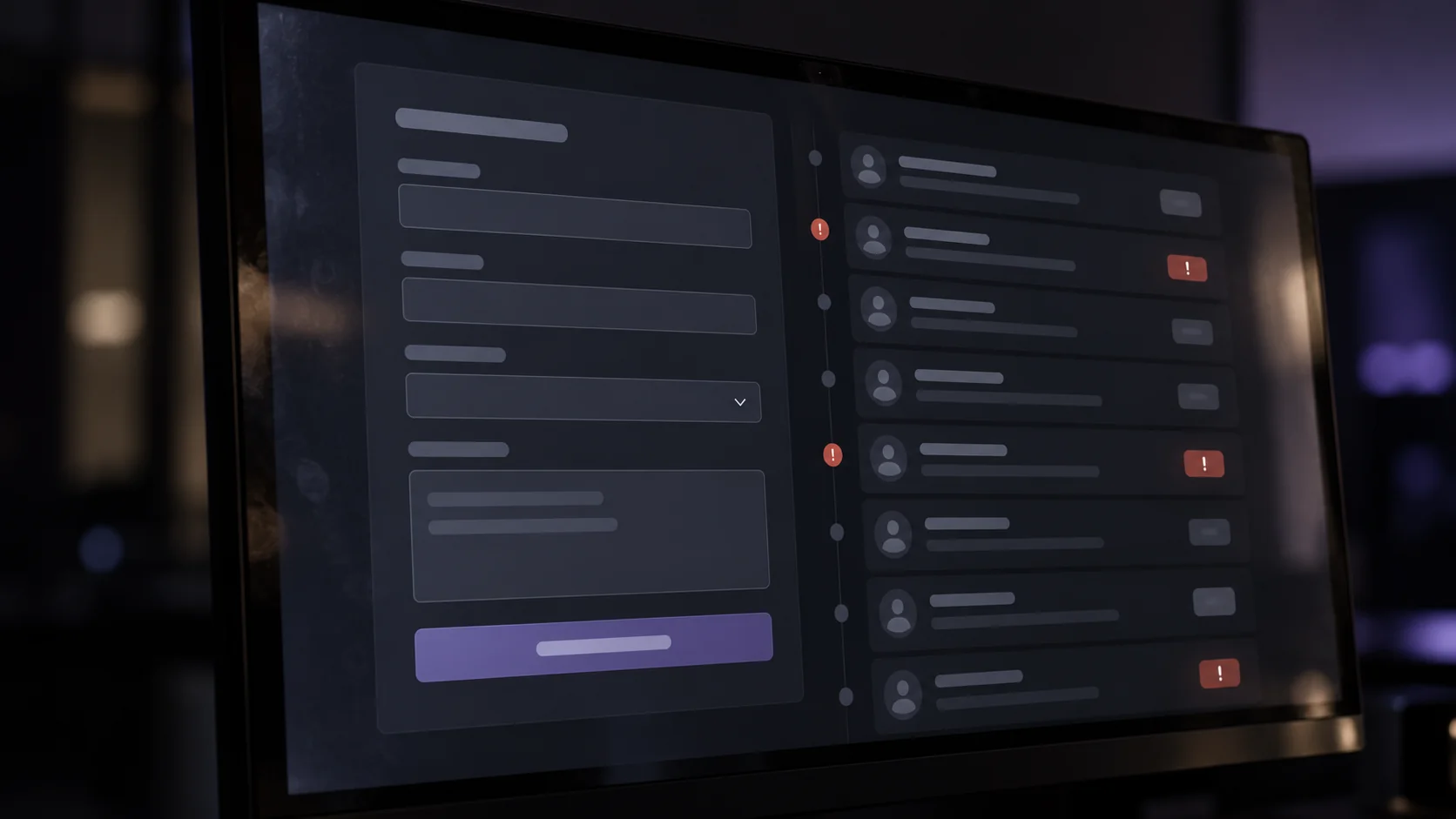
A protected form should stop abuse without closing the door on people who want to hire you. To get there, check submissions on the server, tell irrelevant sales pitches apart from automated abuse and review what you reject. Adding a visual challenge on its own does not prove that a request is valid or that the process works.
Why do fake messages arrive even with a simple contact form?
Your website receives an enquiry. You open the email expecting a quote request and find a link-building offer, a repeated message or text unrelated to your services. The cost does not end when you delete it: someone has interrupted their work, the CRM may have created an opportunity and another automation may have sent a reply.
Not every unwanted message comes from a bot. It may be a sales campaign sent by a person, an accidental test or an automated attempt to abuse the form. Separating those cases matters because one rule does not fix them all. A well-formed email address does not prove buying intent either.
Before installing another tool, follow a submission from the website to its destination. Which application accepts it? Where is it stored? Which email does it trigger? Is it copied into a spreadsheet or the CRM? That path shows where a doubtful enquiry starts consuming business resources.
Imagine a hypothetical renovation studio. Its genuine requests usually mention a town and a type of work. It also receives texts that offer advertising without asking for any service. The useful decision is to route those enquiries for review, while separately checking whether bursts of automated submissions exist. Rejecting every short message could remove someone who is simply typing on a phone.
You do not need to prove a bot invasion to review the process. Start with a recent, anonymised sample and classify the problems by hand. That way you can explain what you want to reduce without inventing demand figures or assuming that every unfamiliar enquiry is fraudulent.
What must be checked on the server, and what can the browser do?
The browser can show an error when a field is missing and help people correct it. But whoever sends a request does not have to use that screen. The decisive checks must happen on the server before accepting the request, and before triggering emails or integrations.
OWASP's guidance recommends validating the format and meaning of data: permitted fields, sizes and consistent values. It also separates that validation from other security controls. A text having an acceptable format is not enough to use it in any way you like inside an application. Source: OWASP, Input Validation Cheat Sheet, accessed 14 October 2026.
For a business owner this translates into concrete questions. Is there a reasonable maximum length? Does the service field accept only the options you offer? Can an incomplete submission still create an opportunity? The answers should reflect real rules of your form, not a generic list copied from another site.
Cloudflare explains that Turnstile requires validating the token through Siteverify on the server; placing only the visible widget does not protect the form. Its tokens expire after five minutes and can be used only once. The documentation was updated on 16 September 2026. Source: Cloudflare, Turnstile server-side validation, accessed 14 October 2026.
These details matter in an everyday situation: someone leaves the form open while looking for information and submits it later. The process should let them renew an expired verification without losing everything they typed. It also needs an understandable response when the check fails; users should not have to guess whether their enquiry arrived.
How do you combine filters without blocking people who want to hire you?
Think in several small decisions. One layer checks the technical request; another limits abusive behaviour; a third helps sort the content received. A technical check is not a commercial assessment. Passing it does not turn an unsolicited offer into a sales opportunity.
Rate limits should allow for legitimate use. A prospective customer may correct a submission and send it again. Several people may share one connection. So do not turn a single signal, such as a repeated IP address, into an automatic and irreversible reason to discard all contact.
If you use a honeypot field, designed to catch certain automated submissions, check how it interacts with autofill and assistive technology. The filter needs testing with real use. It should not add an invisible barrier that a well-meaning person completes and then gets no reply.
For doubtful enquiries, a review queue is usually more prudent than immediate deletion. Keep only the information needed to decide and define who reviews it. Do not send aggressive automatic replies or assume that an unusual name or a different language means spam.
AI classification can help suggest a label, but it should not be the only condition for rejecting a contact. If you consider it, define what data it receives, what output it produces and how a person corrects the criterion. The operational goal is to sort requests, not to promise perfect detection or collect more information about the customer.
What happens to email and the CRM when a submission is rejected?
The filter must act before the effects you want to avoid. If you first create a record, send a reply and only then mark the text as spam, the work has already happened. Draw the order: receipt, validation, decision, permitted storage and the corresponding communications.
Separate the statuses accepted, pending review and rejected. Do not confirm that you received a commercial request if the operation was not completed. A screen announcing success while the email fails gives the visitor false confidence and leaves the business unaware that it lost a contact.
It is also worth distinguishing an enquiry received from a qualified opportunity. The CRM can keep an initial record without automatically adding it to the sales pipeline. When someone validates commercial intent, the status changes. That stops you reading the raw volume of the form as real interest in your services.
Automatic replies need their own limits. An attacker could enter other people's addresses and cause messages they never asked for. Assess which confirmation is necessary and what it contains. Repeating in an email every link or text a visitor typed adds unnecessary risk.
In the hypothetical renovation studio, an irrelevant sales message would sit in review without opening a quote task. A valid renovation request would go to the team with its reference. If the CRM connection fails, there would be a pending status and an internal alert, rather than a silently lost submission.
How do you test the filter and know whether it is doing harm?
Set up a test environment and destinations that do not contact real people. Check a normal enquiry, a short one, one with accented characters, one in another language, a repeated submission and an expired verification. Add the case of a network interruption and a failure of the external service.
Test from a phone and with a keyboard as well. Error messages should point to the problem and let people continue. A protection that stops a legitimate customer completing the form is also a system failure, even if it reduces the number of messages you receive.
During a first review, record the numbers of accepted, rejected and pending submissions, using stable criteria. Review a sample of doubtful cases to detect false positives: genuine enquiries the system classified wrongly. A drop in volume alone does not prove an improvement.
Assign someone to review incidents and a procedure for adjusting rules. Avoid keeping full message bodies indefinitely just because they might help analyse spam. Purpose, access and retention of data should be reviewed case by case; this is general information and does not replace legal advice.
Before activating a new rule, note which problem it tries to solve, how you will verify it and how to switch it off if it harms contact. That record helps maintain the form when tools, providers or team members change.
How do we approach this at meiika?
At meiika we see the form as part of the journey between the website and the sales conversation. Our approach to business websites and custom systems covers data, statuses, communications and exceptions. An isolated control does little if later integrations still accept any submission.
To study a case, it helps to have anonymised examples, the route an enquiry takes and the current rules. You do not need to share credentials or customers' personal data in a first conversation. We do not promise to eliminate every unwanted message either: the approach must be verified in your actual operation.