
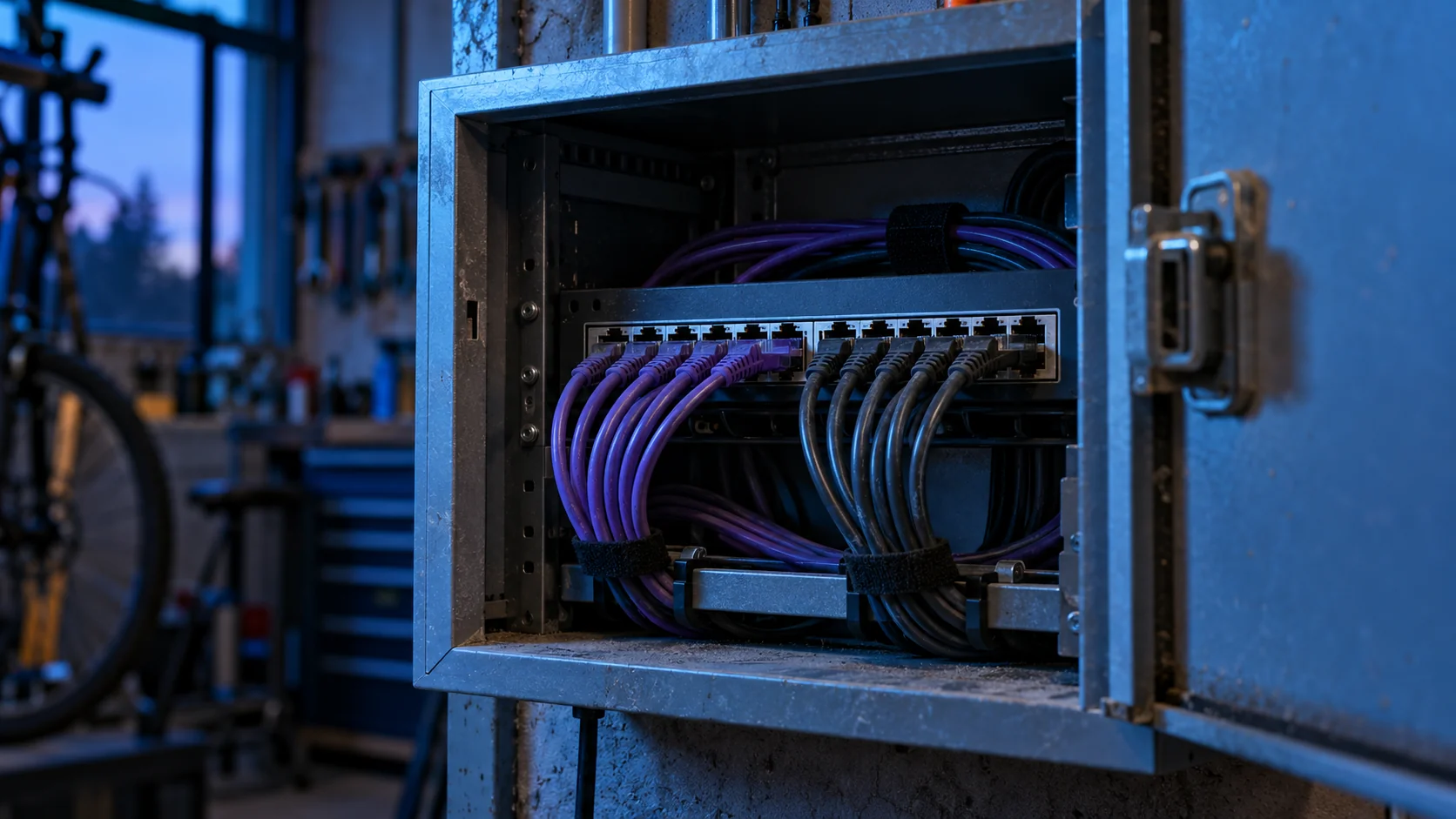
A self-hosted n8n needs a named person responsible for its updates, access and recovery. Installing it does not take care of those tasks. Before connecting it to email, your CRM or client documents, identify who maintains the server, which permissions it receives and how you check that an update keeps your important workflows working.
The workflow may look small: pick up an enquiry, create a record and notify the team. Yet its credentials can open much bigger doors. The reach of the connections matters more than the number of nodes. A forgotten access to the main mailbox turns a modest automation into a dependency that deserves attention.
Why review an installation that works?
The n8n team published a notice with security fixes for several branches on 1 October 2026. That announcement is a reason to check your installed version and read the official advisories. It does not show that your server has been compromised, and you cannot tell which issues affect you without reviewing the installation. Official n8n notice, accessed on 10 October.
An application can keep answering requests while it needs an update. That is why asking whether it works and asking whether it is maintained are different conversations. The first looks at today's result. The second examines who reviews changes, keeps access under control and acts when a relevant notice appears.
Imagine an event equipment rental company. A supplier left an installation connected to its email and inventory. The business knows how to log in, but does not know where it is hosted, which version it runs or who holds the recovery credentials. The first task would be to clear up that dependency, before extending the workflow with another integration.
You do not need to become a systems administrator. You need to be able to find the person responsible and understand what is covered. If all that exists is an old conversation with whoever installed it, an operating agreement is missing. A simple document with role names, notification channels and planned tasks can avoid doubt when the service is interrupted.
Who should take on each responsibility?
The server, the application and the workflows are not a single piece. The same person may maintain all of them, but it helps to define them separately. Restarting a machine does not confirm that the connection to the CRM is still valid. Changing a node does not replace reviewing administrative access.
n8n's security documentation distinguishes the managed service from self-hosted installations and explains the responsibilities of self-hosting. You should not automatically transfer the guarantees of a managed host to a machine your company administers. n8n security, accessed on 10 October 2026.
| Area | Question that must have an answer | Useful evidence |
|---|---|---|
| Hosting | Who can recover the server? | Procedure and emergency access |
| Application | Who reviews versions and notices? | Change log and a recent review |
| Connections | Who renews or revokes permissions? | Inventory of connected accounts |
| Business | Who validates the result of the workflow? | Example of a reviewed result |
| Incidents | Who is told, and through which channel? | Agreed operational contact |
The table is for talking to your provider, not for assigning blame. Sometimes the contract covers the initial build but never included maintenance. In that case, you need to decide who takes on continuity. Do not assume a service has been contracted that nobody has defined, even if the server has been running for months.
Which access should you review before connecting tools?
Start with a readable inventory: service, account, purpose, permissions and owner. Do not paste passwords or keys into that document. It should describe access, not become a parallel store of secrets. For credentials, use the proper mechanism and limit who can recover them.
Ask whether the workflow needs the manager's account or can work with a dedicated one. An enquiry that generates a notification may only need to send to one specific destination. Giving full access to every mailbox is harder to justify. Connecting quickly can create permissions that are too broad, and nobody remembers to review them later.
Also review who can edit workflows. Someone who checks executions does not have to be able to change every connection. The available options depend on the n8n edition and configuration; do not assume project controls or advanced permissions that your installation does not include.
In the rental example, the front-desk team might need to check whether a request arrived, while changing the workflow stays with maintenance. That separation is a design decision. If the tool cannot express it well enough, you will need to consider a different organisation, without pretending that a checkbox solves the problem.
When a collaboration ends, include the removal of access in the close-down. Change what needs changing and check that the processes continue with company accounts. Avoid depending on someone else's personal email to renew a connection. Ownership and recovery of accounts should be clear from the start.
How do you update without improvising on the business?
An update needs a known starting point. Note the version, the installation method and the relevant connections. Keep a recoverable copy and define how to go back to the previous state if an incompatibility appears. Updating is not trying your luck and hoping nobody calls.
The official guide recommends keeping n8n up to date, reviewing breaking changes and testing updates before applying them to the working instance. The specific instructions change depending on the deployment. Updating guide, accessed on 10 October 2026.
The rehearsal should use results that are representative of the business. You can prepare a fictitious enquiry, a test record and an internal recipient who knows they will receive the notice. That way you verify the journey without creating real orders or writing to customers. A node that finishes correctly is not enough if the message reaches the wrong place.
Choose what to check before you start: input received, expected transformation, record created, notice delivered and no duplicates. Make clear which part needs human review. If a connection fails, the rehearsal has to keep enough information to recover the test operation and understand the reason.
After updating, run that journey again and record the result. Do not delete the evidence as soon as you see the workflow go green. Maintenance may need to compare it with the previous behaviour. That information should be minimal and avoid personal content that is not needed to check the operation.
What can you ask for to know whether it is properly maintained?
Ask for concrete answers, not a generic security label. Which version was reviewed, when recovery was checked, who receives notices and which connections have a known owner. None of that evidence guarantees the absence of risk, but it lets you see what work has been done and what remains pending.
A useful report can fit on one page. It should distinguish checked, not checked and pending. If a restore has not been rehearsed, it should say so. If an external account is still linked to someone who no longer works with you, it should appear as a task. The aim is for you to prioritise with information you can understand.
Before commissioning changes, describe which processes you cannot leave stopped and what manual alternative exists. A company that can record requests through another channel has a way out while the integration is reviewed. An operation without an alternative needs a more careful conversation about continuity.
How have we approached it at meiika?
meiika offers custom systems and self-management agents. The starting point for a conversation about your installation is to understand what it connects, who uses it and which responsibilities are still to be defined. We are not describing a client implementation or documented results here.
To explain your case, it is enough to say which process and tools are involved. Do not send keys, passwords or client documents through the form. Access details would be handled through a suitable procedure if the project requires reviewing the system.