
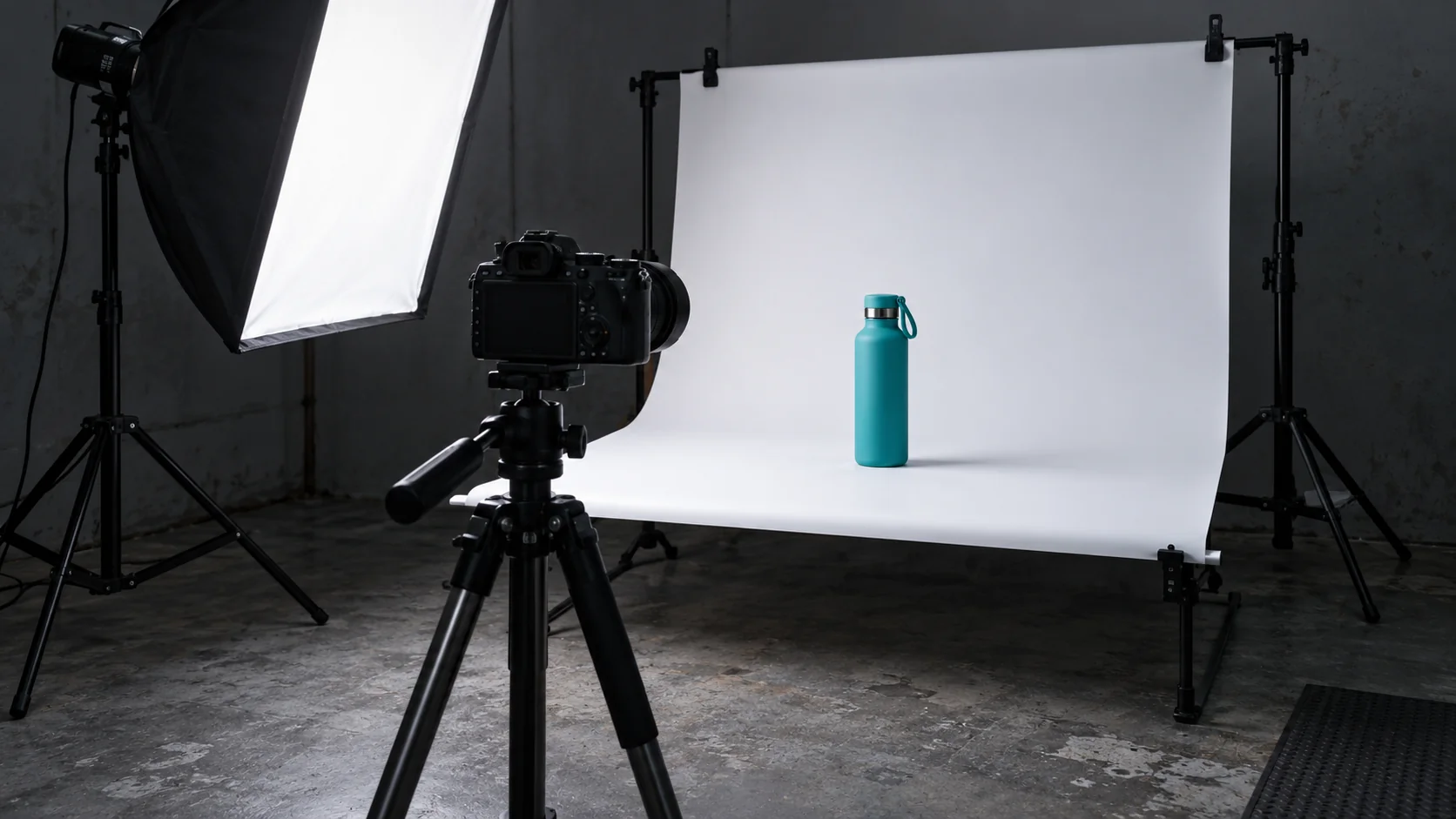
To optimise product images for an online store, size each file for the place where it is used. Check dimensions, compression, format and mobile loading without hiding details a shopper needs before buying. A small thumbnail should not always download the huge original, and the main product photo should not be delayed by a blanket lazy-loading rule.
A photo can look small on the page and still weigh as much as the file that came out of the camera. The layout limits how big the image appears, but that does not automatically reduce what the browser downloads. Display size and transfer size are different things. Confusing them leaves a store that looks tidy but asks too much of a mobile connection.
Imagine a small brand of reusable bottles that has just refreshed its catalogue. It has put real effort into showing finishes, lids and colours. The problem is not the quality of the photography: it is how those files are prepared and served on product pages and in category listings. This is a hypothetical example, not a project attributed to meiika.
Why can a small photo still download a huge file?
The visible width of a product card does not necessarily determine the file requested. The page may show a scaled-down photo through CSS while still linking to the original. A design adjustment fixes the space, not always the weight. To find out what happens, check the URL that is actually downloaded and the variants available.
MDN's guide to responsive images, accessed on 11 October 2026, explains how to offer the browser alternative sizes. The choice depends on the information supplied and on viewing conditions; storing several copies is not enough if the template does not use them.
Define the uses before exporting: listing thumbnail, main image, gallery and zoomed view. Each may need a different size. In the hypothetical catalogue, a thumbnail lets a shopper recognise the bottle; a zoomed view helps them inspect the lid. Shrinking every file to thumbnail size would remove information that is useful for buying.
Check the dimensions declared on the page too. A consistent setup helps reserve space for the image and stops content from jumping when it appears. If you switch from a landscape photo to a square one, check proportions and cropping: the template should not stretch the product to make it fit.
How do you choose quality and format without losing detail?
No single compression level works equally well for every product. A smooth surface, a fabric weave and a small label behave differently. Prepare a sample and compare the result where it is really used. Acceptable quality depends on the detail the customer needs to see.
Keep a working original separate from the versions meant for the web. That way you can export again when the design changes, without stacking compression on a file that has already been reduced. The published file does not have to be the one used by whoever edits the photos or prepares print material.
Check which formats your platform supports and how the browser receives them. Do not rename every extension by hand and assume that equals converting the files. Ask for a review of the conversion process and of the variants that are served. The extension and the contents of the file must match.
On the bottle in the example, pay special attention to the edge of the lid, the shadows and the finishes. If the reduction makes two colours look alike or a feature disappear, the weight saving can harm the commercial information. Accept a variant only after seeing it on a test product page and, where one exists, in the zoomed view.
Which image gets priority and which can wait?
The first photo that helps someone understand the product page deserves a different review from images far lower down. A lazy-loading rule applied to everything can delay an important element. Decide by position and function, not by a label that sounds like optimisation.
web.dev's documentation on browser-level image lazy loading, accessed today, explains the browser mechanism and its limits. It is useful for images outside the initial view. Its existence does not show that the main photo should wait: you have to check which element the visitor sees first.
Largest Contentful Paint, or LCP, is a metric that observes when the main visible content element is rendered. The official guide to optimising LCP, accessed on 11 October, lets you investigate the different delays in the journey. Not every loading problem is solved by compressing the photo.
The server, the moment the resource is discovered and other dependencies can all play a part. So compare a product page before and after the change under similar conditions. A tool may flag a large image, but the fix has to be checked on the page. Do not call the review finished just because the file now has fewer bytes.
How do you check that mobile gets a suitable version?
Test the category listing and the product page, not just the home page. Use a small screen and check which file each context requests. Also check the image when a zoomed view opens. The buying journey uses several presentations, and an improvement in the first does not prove the others.
In the browser's developer tools you can see the selected resource, its dimensions and its transfer size. A professional review should leave those results tied to a specific page. If the template announces a size that does not match the layout, the browser may receive poor signals when choosing between variants.
Do not extrapolate from a desktop test on a fast connection. The experience of someone browsing on another device may be different. Nor should you turn an isolated test into a commercial figure: a product page loading better during one test does not by itself show how many extra sales the store will make.
- Open a category with several cards and check the thumbnails.
- Go into a product page and look at the main photo.
- Review the gallery and a zoomed view if they are part of the design.
- Confirm that proportions and product detail are preserved.
Check that visual information also has a suitable alternative where needed. The optimised image should keep the alt text the content provides. Do not replace useful descriptions with a list of keywords, and do not infer features the photo cannot confirm.
How do you maintain the catalogue without repeating the problem?
Prepare a delivery standard for future photos. Define originals, variants and checks. If every new listing depends on someone remembering to export a thumbnail, the problem will come back with the next product. A documented routine lets the team publish without having to learn every technical detail of the browser.
The conversion can be automated in the platform or in the publishing process, depending on what they allow. But automation also needs quality rules and exceptions. A jewellery catalogue and a bulky-goods catalogue may need different checks; file size should not be the only acceptance criterion.
Avoid replacing originals indiscriminately. Keep a suitable copy and review how files relate to product pages, galleries and sales material. A renamed file can break references if the platform does not handle it. Before processing the whole catalogue, test a representative selection.
When you change the store theme or the design of the cards, review the variants again. The display size may have changed even though the photos are the same. Optimisation stays tied to the design; it is not a clean-up done once after launching the shop.
How have we approached it at meiika?
meiika presents websites and custom systems among its services. That combination lets us approach an image review both from the design of the product pages and from the way the catalogue is prepared and published.
We do not claim that the bottle brand is a client, nor do we attribute sales figures to this guide. The specific work would depend on your platform, your originals and your template. The improvement has to be checked while keeping the product information intact, without promising a perfect score or a guaranteed sales increase.