
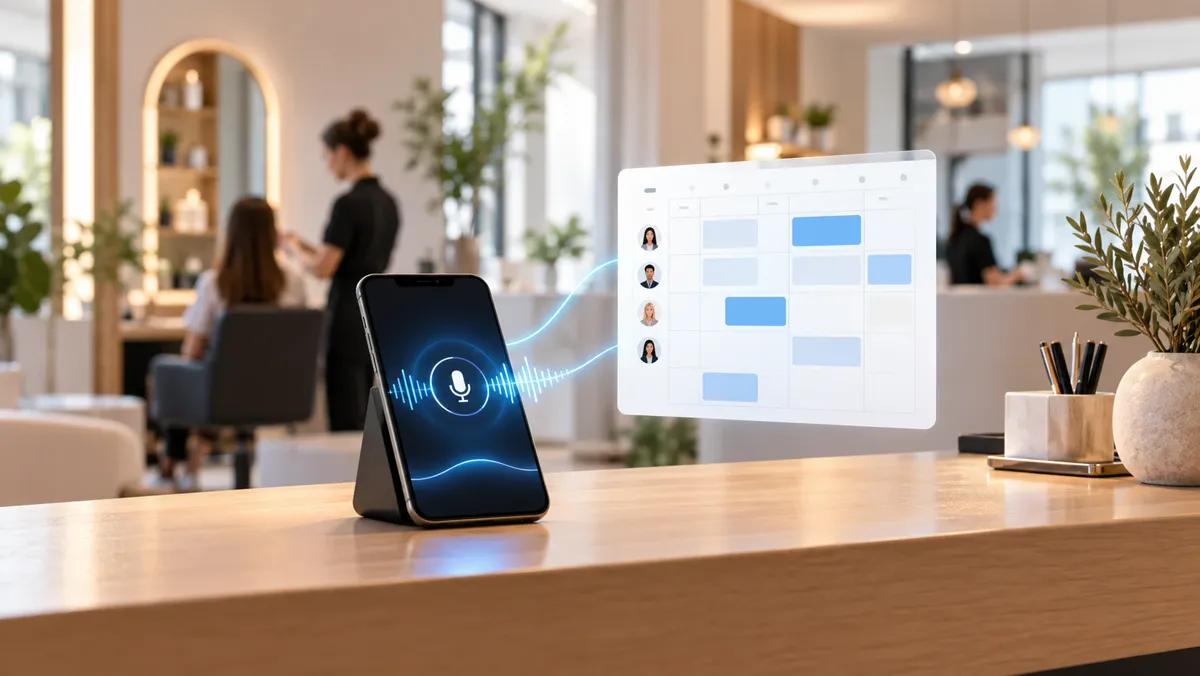
Yes, an AI voice assistant can manage your business's appointments by phone: check available times, book, change or cancel appointments and answer common questions. But it needs to be connected to a real calendar, know the rules of your business and know when to stop so that a person can step in.
What is an AI voice assistant for bookings?
Imagine someone calls your business while you are with another customer. They want to know whether you have availability on Thursday afternoon and to book an appointment.
One option is that nobody answers. Another is that the person leaves a message and waits for you to call back. A third is that a voice assistant answers, understands the request, checks the calendar and offers an available time.
That is what an AI voice assistant can do when it is designed to manage bookings.
We are not talking about a recording that reads out your opening hours. Nor about a switchboard that asks you to press one for information or two for appointments.
A conversational agent lets the person explain what they need in their own words. The system interprets the request and, when it has the right connections, it can look up information and carry out operations.
For example:
- "Do you have an appointment for a haircut tomorrow?"
- "I need to change my check-up on Friday."
- "How long does the first consultation last?"
- "I want to speak to someone because I have a question about my treatment."
These are different requests. Some can be resolved with information and operations defined in advance. Others need the team to step in.
The key is to tell apart the tasks that can be automated from those that need human judgement.
How does it manage to book an appointment by phone?
To manage appointments, the assistant needs more than understanding what is said during a call.
It must have reliable information about services, session lengths, professionals, availability and booking conditions. It also needs a connection to the system where appointments are managed.
Here is how a booking should work.
1. It answers and identifies the request
The person calls and the agent introduces itself as an automated assistant. Then it asks how it can help.
Not everyone uses the same words. One person may ask for a check-up, another for a consultation and another simply whether there is a free slot. The assistant must interpret the request and, if it is ambiguous, ask for clarification before continuing.
2. It checks real availability
This is one of the most important steps. The agent should not offer a time based only on general opening hours. That the business is open until eight does not mean there is a free appointment at seven.
It needs to check availability in the relevant calendar and take into account the configured rules: service length, professional, working days or the time needed between appointments.
Technically, it is possible to create calendar events through services such as Microsoft Graph, as long as the application has the right permissions. But each calendar or management software needs to be checked for how it integrates.
3. It proposes an option and asks for confirmation
Suppose the person wants an appointment on Thursday afternoon. The agent checks the available slots and proposes one. Before recording the booking, it should confirm the relevant details:
- Requested service.
- Day and time.
- Professional, where applicable.
- Necessary contact details.
Confirmation prevents a misunderstood answer from turning into a wrong appointment.
4. It records the operation and checks the result
Verbally accepting an appointment is not the same as having saved it.
The system must check that the operation completed correctly. Only then should it tell the person that their booking is confirmed.
If the calendar does not respond, the connection drops or the operation fails, the right answer is not to pretend everything went well. It can explain that it could not complete the booking and, if configured to do so, take a call-back request.
The same principle applies when changing or cancelling appointments: the operation must happen in the right system, not stay only in the conversation.
What can a voice assistant do, and what shouldn't it do?
Not all agents offer the same features. They depend on their configuration, connections and operating limits.
| Can do, if configured | Should not do |
|---|---|
| Answer questions about opening hours and services | Make up information it does not have |
| Check availability in the calendar | Offer times without checking them |
| Create, change and cancel appointments | Confirm operations that have failed |
| Collect information for a call-back | Ask for unnecessary personal data |
| Transfer calls when that function exists | Pretend to be a person |
| Apply defined booking rules | Make professional decisions outside its scope |
What if the person asks a complicated question?
An agent can be useful for answering repetitive questions, but it should not become the authority on every matter in the business.
Think of a clinic. It can give consultation hours, the location of the centre or the services listed in its authorised information. Another thing entirely is someone describing symptoms and asking for a diagnosis or personalised medical advice.
That conversation needs different handling. The assistant should not improvise a clinical assessment.
At an accountancy firm something similar happens: telling someone which documents to bring to an appointment is not the same as resolving a specific legal or tax case.
Good automation must recognise when it does not have enough information or when the request goes beyond its functions.
Can it pass a call to a person?
Yes, if the solution has call transfer and it has been set up correctly.
A different procedure can also be designed to collect the reason for the call and ask the team to call back.
But there is an important difference between the two: taking a note does not mean the person has spoken to anyone, nor does it guarantee when they will get a reply. The message must be clear about what has really happened.
What does your business need to use a booking assistant?
Your company does not need to be large. What you do need is to be clear enough about the processes you want to automate.
Where are appointments managed today?
It may be a digital calendar or specialised software. What matters is checking that there is a viable, authorised way to look up and update availability.
What rules must it follow?
Not all services last the same time. Some bookings need a specific professional, preparation time or additional confirmation. If those rules are not defined, the assistant cannot apply them reliably.
What information can it give?
Opening hours, location, services, cancellation conditions and any other answer must come from information provided or validated by the business. You should also decide how it is kept up to date.
What should it do when it cannot resolve something?
You need to decide whether the assistant can transfer the call, take a message or point to another contact channel. And what it should say when an error occurs.
How will you check that it works?
Before using an assistant on real calls, it is advisable to test normal and exceptional situations: misheard names, busy slots, cancellations, changes of mind, interruptions and connection errors.
The goal is not for the agent to hold a spectacular conversation. It is for it to complete authorised tasks correctly and handle its limits in an understandable way.
How have we approached it at meiika?
At meiika we work with one idea: technology should adapt to how a business works, not force the business to reorganise around a tool.
That is why we have developed a demonstration case called S.A.R.A. — Sistema de Atención, Reservas y Agenda (Care, Booking and Calendar System).
S.A.R.A. is designed for businesses that work by appointment. Its functions include answering calls with a natural voice, giving information about opening hours and services, checking a real calendar and managing bookings, changes and cancellations.
Before saving an operation, it confirms the information with the caller. When it cannot resolve a request, it can leave a note for the team. At the start of the conversation, it identifies itself as an automated assistant.
In this demonstration case, we do not record the audio of the calls: audio recording is switched off in the configuration. The platform that orchestrates the call may keep logs or transcripts depending on its configuration, and the details of an appointment (name, phone number, service and time) are stored in a database in the European Union. We are reviewing contracts and retention periods with each provider, and the demo you can listen to is a recording with fictitious data.
What matters is not that an AI manages to sound like a person. We care about it performing useful tasks without hiding its limits.
S.A.R.A. is currently a demonstration of technical capabilities. We do not present it as a product with clients in production, nor do we attribute commercial results that we have not measured.
You can find it in our self-management agents section and listen to its voice demo.
What happens to personal data in calls?
Managing a booking can involve processing personal data, such as a name, a phone number or the information needed to identify an appointment.
That means it is not enough for the assistant to work technically. You also need to analyse how data is processed.
In the European Union, the General Data Protection Regulation sets out principles such as purpose limitation, data minimisation, accuracy and security. It also requires certain information about the processing to be given to the people concerned.
In addition, Article 50 of the European AI Regulation provides for transparency obligations for systems intended to interact directly with natural persons, with the exceptions set out in the regulation itself.
That is why it matters that the agent identifies itself as an automated system.
It is worth distinguishing between talking to an assistant, processing the voice to keep the conversation going, and keeping a recording of the call. These are different matters and should be analysed according to how each system actually works.
With S.A.R.A., audio recording is switched off. This does not mean that any other voice assistant works the same way, or that it involves no data processing at all.
The privacy policy of meiika.es explains how we handle data from the website and from the S.A.R.A. demonstration, which uses fictitious data.