
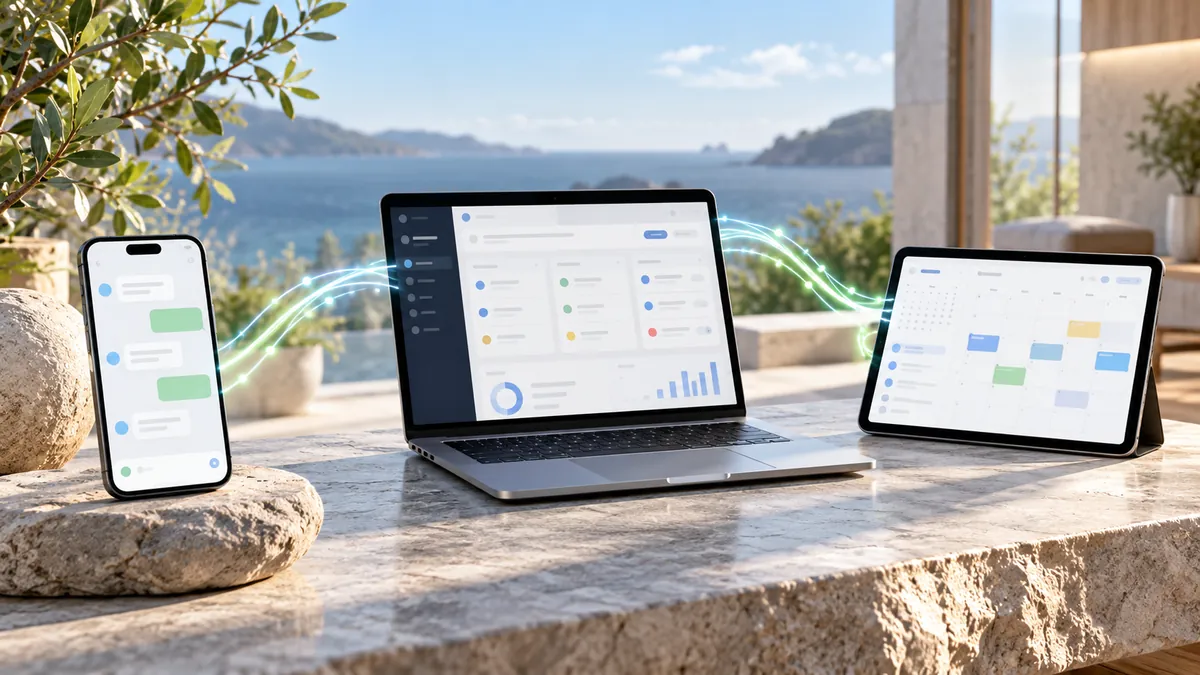
Connecting WhatsApp, CRM and calendar lets an enquiry end up as a record and, where relevant, as an appointment. But syncing tools requires defining a source of truth, permissions and identifiers. Without those rules, an automation can generate duplicate contacts, inconsistent bookings or messages the team does not understand.
Which system should be the source of truth?
The calendar should determine whether a slot is free; the CRM can be the reference for the sales history; the messaging channel keeps the permitted context of the conversation. Do not let three systems independently decide the state of the same appointment. Document which application rules each piece of data and what happens if another shows different information.
How do you identify a contact correctly?
A name written in two ways is not a reliable identifier. You can use a stable internal ID and prudent search rules; a phone number alone does not solve every case either, because it can change or be shared. If the system cannot determine with certainty who an appointment belongs to, it must ask for clarification and avoid automatic changes.
How do you build a booking without duplicating it?
The process must check availability, receive confirmation, create the appointment, store the operation identifier and communicate the real result. Protection against retries is essential: a resent event should not create two bookings. When the provider supports idempotency keys, they can help; if not, design another verifiable control.
What happens if an application fails?
Tell a temporary error apart from a rejected operation. When something fails, avoid success messages and store the state needed so the team knows what to review. Define who receives alerts, when to retry and which operations must never be repeated without validation. A robust integration is one that fails in an understandable way.
Which privacy aspects should you review?
Check the legal basis for processing, information given to the customer, providers that access data and retention periods. Limit the fields travelling between tools to those needed for the purpose. The fact that a connector can copy the whole contact record does not mean it is appropriate to do so.
How do you stop WhatsApp, CRM and calendar from contradicting each other?
Start by deciding which system rules each piece of data. Availability should come from the operating calendar; the sales history can live in the CRM; the sent message belongs to the communication channel. If both systems store the contact phone number, define which one updates it and under what rules. Without a source of truth, each integration can multiply discrepancies.
To identify a person without duplicating them, do not depend only on their name. The same name may correspond to several contacts and the phone number can change. Use persistent identifiers from the source system when available and keep the link between the records. Incoming messages must be matched to the right contact before creating opportunities or bookings.
Consider an appointment change request. The message arrives on WhatsApp; the flow finds the record and proposes an alternative; the calendar updates the booking and returns an identifier and status. Only then is the person informed and, if appropriate, the CRM updated. If the last step fails, the system needs to detect the desynchronisation and repair it without repeating the booking.
Test races and retries: two people book the same slot, the provider returns a timeout after saving, a webhook arrives twice or the customer cancels while a confirmation is queued. The solution must check states before writing again. A reliable integration is not one that never fails in a demo, but one that lets you recognise and correct failures.
How to check an integration after launch
Review at least three representative records of each operation: one correct, one repeated and one corrected. Compare identifiers across channel, CRM and calendar. The customer should not receive two different confirmations for a single booking. Nor should a cancellation be lost because the messaging system recorded it but the calendar did not finish processing it. A screen that looks right does not replace querying the final state.
Teams need a simple view of incidents: which operation failed, where, when and who can resolve it. Avoid requiring the inspection of technical traces for routine tasks. If a desynchronisation occurs, the manual correction must be recorded so that a later retry does not undo the employee's work. That supervision is part of the final product, not a decorative extra.
Finally, prepare for real changes of conditions: a professional joins, a calendar changes its identifier or the CRM adds a mandatory field. A rigid integration may keep sending messages and fail to create records. Define who receives alerts, how a change is tested and when it is advisable to temporarily switch the flow off. Maintenance prevents small administrative changes from turning into errors in front of customers.
How do you avoid losing a booking when one of the connections fails?
A message can arrive on WhatsApp, be recorded in the CRM and still not become an appointment because the calendar returns an error. That is why it is wise to store a recognisable transitional state, such as "pending confirmation", instead of announcing success too early. The design must also consider retries: blindly repeating the creation of the event could end up duplicating the booking.
For important operations, a unique identifier per request is useful. If the same event is received twice, the system can recognise that it has already been handled and avoid a second record. Also, not all tools update data at the same speed; when someone edits the calendar manually, availability must be checked again before saving.
Internal alerts should explain which part of the flow failed: contact identification, calendar lookup or final confirmation. A simple "integration error" message forces the team to investigate from scratch and removes part of the saving you were looking for.
How we approach it at meiika
At meiika we would design the synchronisation around sources of truth and error states, not around an eye-catching diagram. S.A.R.A. illustrates an interaction with a telephone calendar according to its demonstration specification, but it is not proof of a WhatsApp–CRM–calendar integration. Concrete capabilities are verified in each project.
This type of integration is part of our work in systems and in Marketing, Growth and MarTech, where we connect CRM, data and lead-capture tools.